Switch & Save on Business Mobile Plans Get Your Free Quote>
Slide









Most iOS updates install themselves before anyone in the business notices. iOS 27 matters more, because three of its changes touch decisions you actually have to make: how Siri handles your data, how your iPhones use mobile data when Wi-Fi is weak, and how staff share their location in the field.
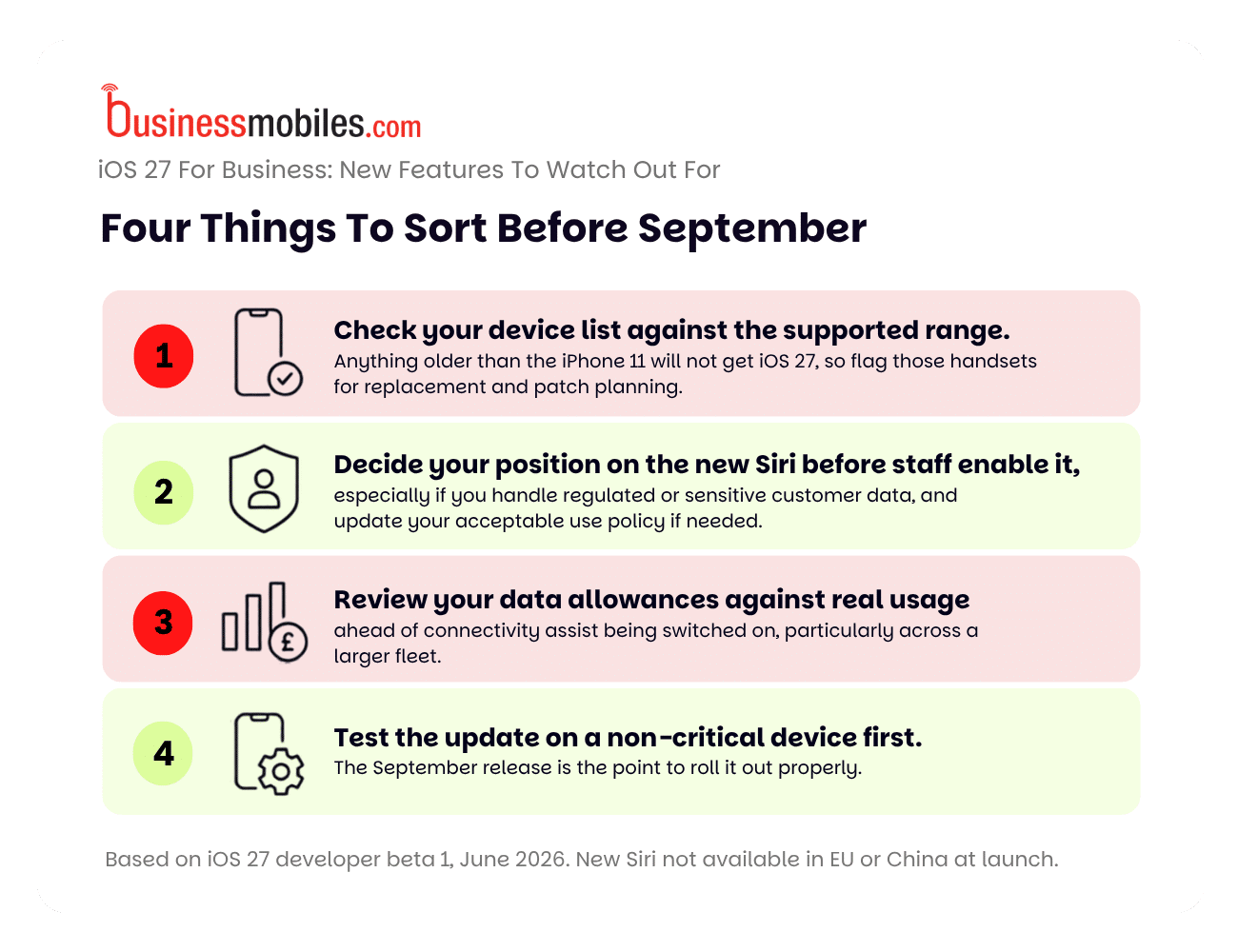
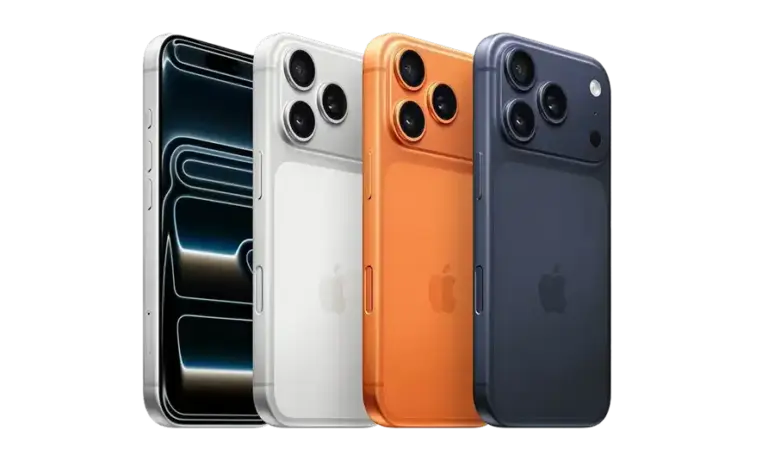
iOS 27 is expected to reach the public in September 2026, in line with the next iPhone launch. It supports the same range of devices as iOS 26, from the iPhone 11 through to the iPhone 17 Pro Max. A business running a mixed fleet of older and newer handsets will not need to replace devices simply to get the update.
The point worth flagging is the cut-off. Anything older than the iPhone 11 will not receive iOS 27, which means no further feature updates and, in time, no security patches for those handsets. If you still have pre-iPhone 11 devices in rotation, this is the prompt to plan their replacement.
The headline change in iOS 27 is a rebuilt Siri that behaves far more like a modern AI assistant. It holds back-and-forth conversations, draws on data across Mail, Messages, Notes, Reminders and Calendar, can act inside apps to draft emails or add calendar events, and can see what is on your screen to answer questions about it.
For day-to-day work this is useful. A field engineer can ask Siri to pull up the last email from a client. A manager can create a calendar event by describing it in plain language rather than filling in fields. When staff are on a call with a supplier or airline, Siri can surface a relevant booking or conversation without them having to switch apps.
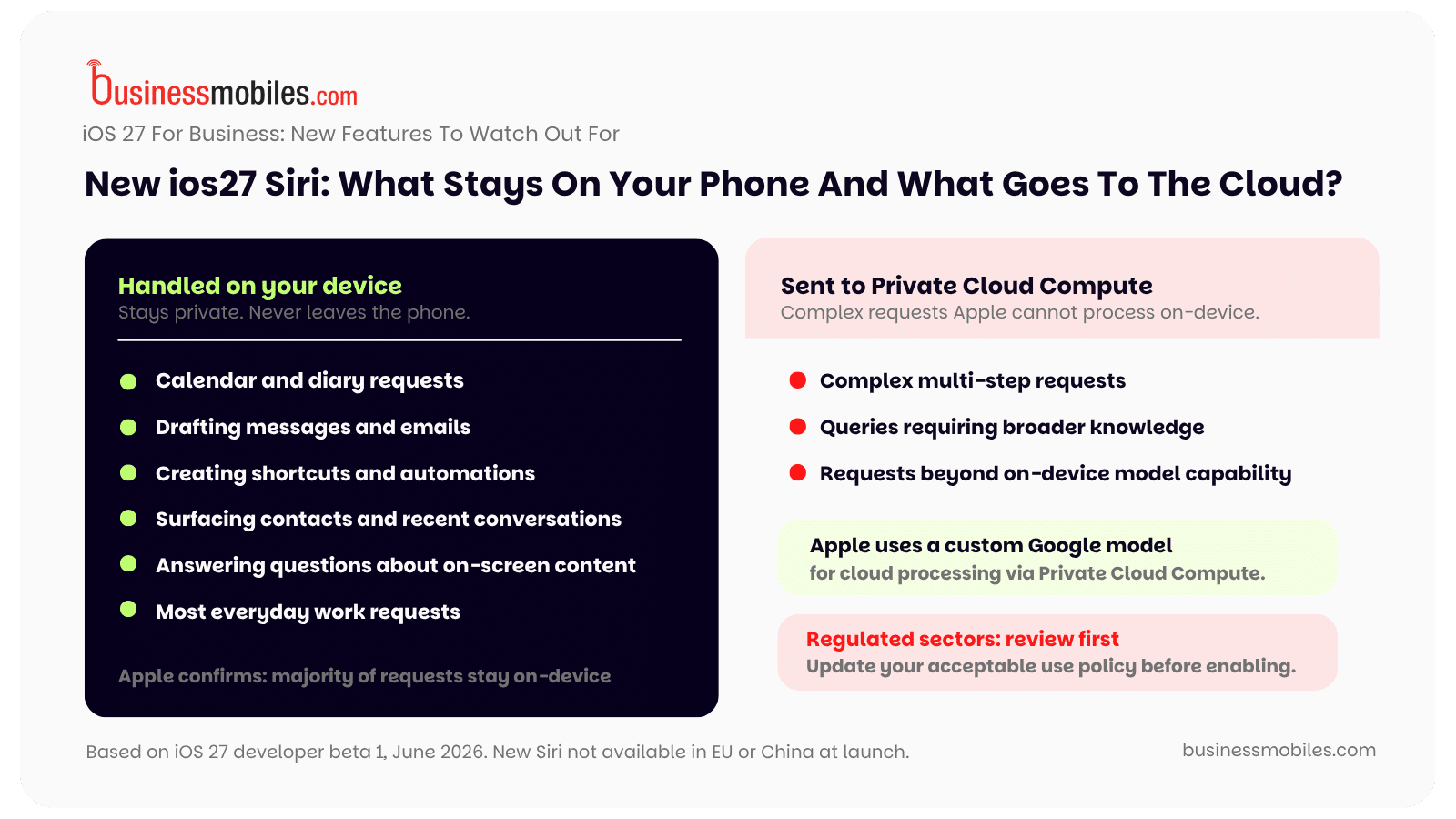
There is a governance point underneath this that IT and compliance teams should look at before staff switch it on. Apple has said most Siri requests are handled on the device itself. When a request is too complex for that, it is processed through Apple’s Private Cloud Compute infrastructure, which Apple has described as running on a custom Google model. For a business handling regulated or sensitive customer information, the question is whether you are comfortable with staff pointing an assistant of that reach at that data, and whether your acceptable use policy needs updating to reflect it.
One practical note on availability. At launch the new Siri is in scope for the UK, but it is not switched on in the EU or China. If you have staff or operations across those regions, expect the experience to differ from team to team for a while.
iOS 27 adds a feature called connectivity assist. When a Wi-Fi connection is weak or unreliable, the iPhone will draw on mobile data alongside it to keep the connection working. For staff in buildings with patchy Wi-Fi – warehouses, basements, large sites – that means fewer dropped connections and interrupted calls.
The trade-off is that mobile data now gets used in places it previously would not have. iOS 27 does track how much data connectivity assist uses, so it is visible, but across a larger fleet on tight allowances it can add up. Ahead of the update it is worth checking where your tariffs sit against actual usage.
Two other connectivity improvements are quieter but useful. Personal hotspot is more power-efficient on iPhones fitted with Apple’s N1 networking chip, which helps staff who tether laptops on the move. Wi-Fi handover is also faster and more reliable, with the phone moving to known networks more quickly – which helps on multi-access-point sites where devices used to cling to a weak signal. iOS 27 will also tell you which Wi-Fi standard you are connected to, such as Wi-Fi 7.

The Passwords app can now fix flagged or compromised passwords automatically, in bulk, rather than making someone change them one at a time. For a business, this lowers the manual effort of basic credential hygiene – which is usually the reason it never gets done.
Find My gains more flexible location sharing. Staff can share their location for a set length of time or until a specific date and time, and pause sharing with individual people whenever they want. For field teams, lone workers and delivery staff this is a more controlled way to share whereabouts than leaving it on permanently. It is worth being clear that this is personal Find My, not a replacement for proper mobile device management or fleet tracking, which remain the right tools for managing company devices at scale.
The features above land differently depending on what your team actually does.
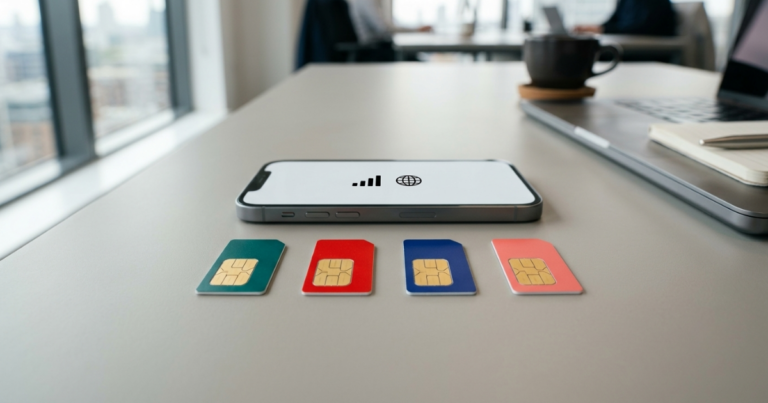
Field and mobile teams. Construction, logistics, utilities and field service teams benefit most from the connectivity work. Connectivity assist keeps data moving on poor-signal sites, and improved Wi-Fi handover helps on large premises. Find My flexible sharing gives a controlled way for staff to share location while out on jobs. CarPlay is more reliable in iOS 27, with fixed wireless connectivity, improved GPS and the menu repositioned closer to the driver’s side. A new option to use the same eSIM on two phones at once is on the way – useful for swapping or testing handsets without losing a number, though it depends on carrier support.
Sales and account management. Sales staff live in their calendar and inbox, which is where the new Siri helps most. It can create calendar events from a plain-language description, surface relevant information during calls, and draft replies in the staff member’s own writing style. The Wallet app can also build passes for memberships and event tickets using Visual Intelligence, which suits people who spend time at trade shows and client sites.
Customer-facing and retail. Wallet passes are useful for loyalty and membership schemes at the point of sale. System-wide live captions also help staff follow audio in noisy retail and hospitality environments without needing additional equipment.
Healthcare, care and employee wellbeing. The Health app adds tracking for perimenopause and menopause as part of Cycle Tracking. It is a personal-device feature rather than a business tool, but it is relevant to organisations running employee wellbeing programmes and to anyone thinking about inclusive support for staff.
Accessibility, across every sector. iOS 27 is a strong release for accessible workplaces, and these features benefit far more people than only those who consider themselves disabled. Live captions now work across the whole system, generating subtitles for almost any audio or video – including internal recordings and training material – without setup. VoiceOver and Magnifier gain better on-screen and real-world descriptions. Accessibility Reader handles complex layouts better and adds on-demand summaries and built-in translation. A made-for-iPhone hearing device can now hand off between iPhone, iPad and Mac, and name recognition supports over 50 languages. A new developer feature also allows sign language interpretation to be added to a FaceTime call.
Finance, legal and regulated sectors. The most important item is the Siri governance question above. Decide your position before enabling it, and update internal policy to match. The automatic password fixes and more controlled Find My sharing also support the kind of accountability these sectors are held to.
Safari can group open tabs by topic and notify you when a web page changes, on a daily, weekly or monthly schedule – useful for tracking supplier prices, regulatory pages or competitor updates without keeping tabs open all day. Photos editing improves, with a better Cleanup tool, the ability to extend a photo beyond its original frame, and a Reframe tool that changes perspective – useful for marketing, product listings and site documentation. Messages will now automatically resend a failed message rather than leaving it stuck. Notes can copy content as Markdown, which suits anyone moving text into other tools. FaceTime is set to gain dual capture using front and rear cameras simultaneously, which works well for remote site inspections or showing a customer something live.
If you want a second pair of eyes on your tariffs or your upgrade plan ahead of September, talk to an expert at BusinessMobiles.com. We work across EE, O2, Vodafone, and Three and can help you plan around the update rather than react to it.